Restraint — know when it's finished.
Most photographs are lost in the last twenty minutes. The edit that would have finished them keeps going.
This fox was already lit. The whole job was to walk up to the frame the light gave you, and stop. Here's the same capture, five stops along the way, and the moment you can feel it tip from photograph to edit.
Step through the edit.
Same capture. Only the amount of work changes.
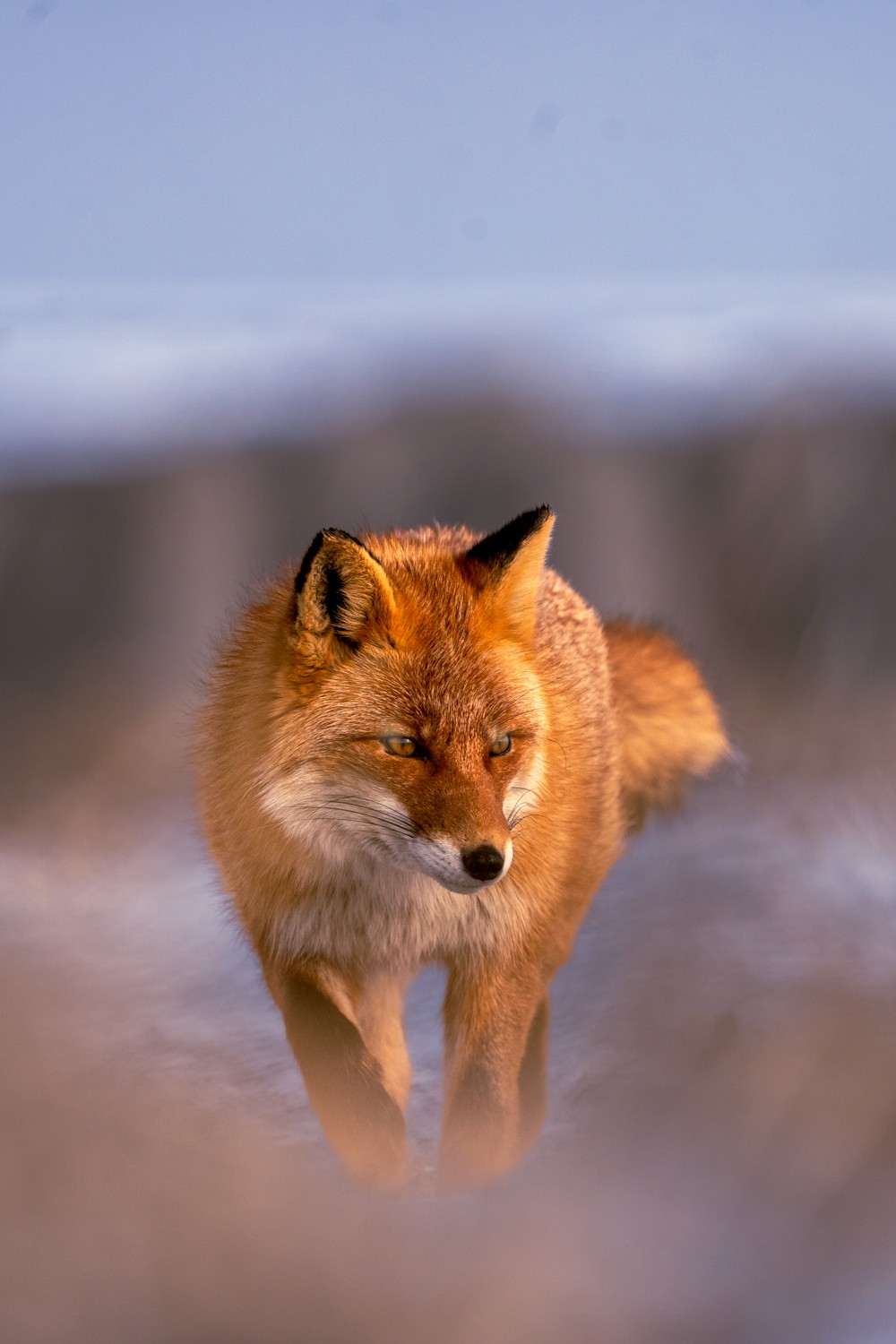
This is it. The fox is warm, the snow keeps its cool blue, and nothing in the frame is shouting. Stop here.
Finish, don't perform
An edit is done when the light the photograph was made in still reads honestly. Every move after that is performance.
Walk away and come back
You can't see restraint in the same sitting that made the edit. Close the file. Open it tomorrow. The extra work will be obvious.
Nothing should announce itself
If a viewer notices the clarity, the sharpening, or the colour — they've noticed the edit before the photograph. Pull that thing back until it disappears.
Finished, then twenty minutes too many.
Tap to see what one more pass costs.
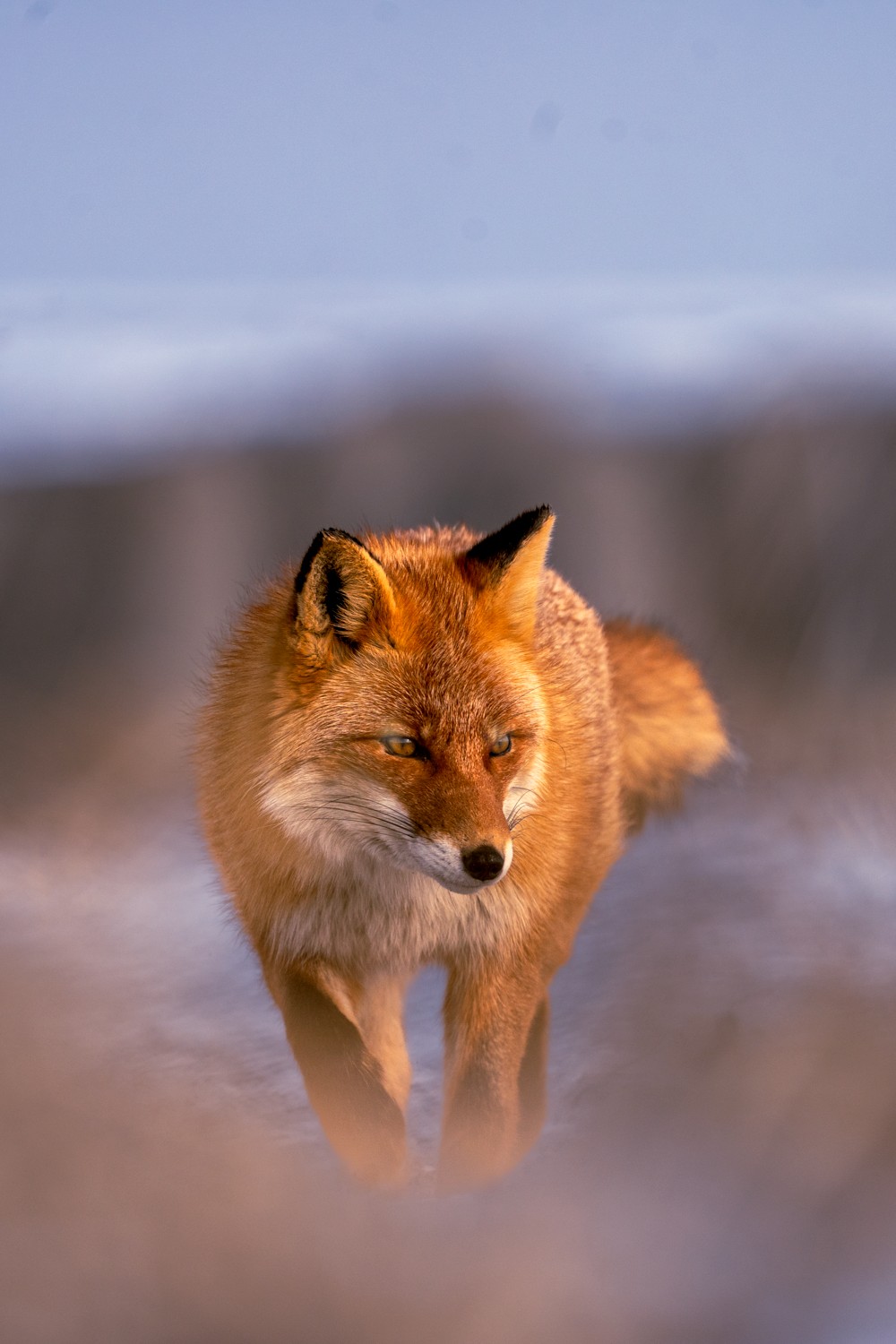
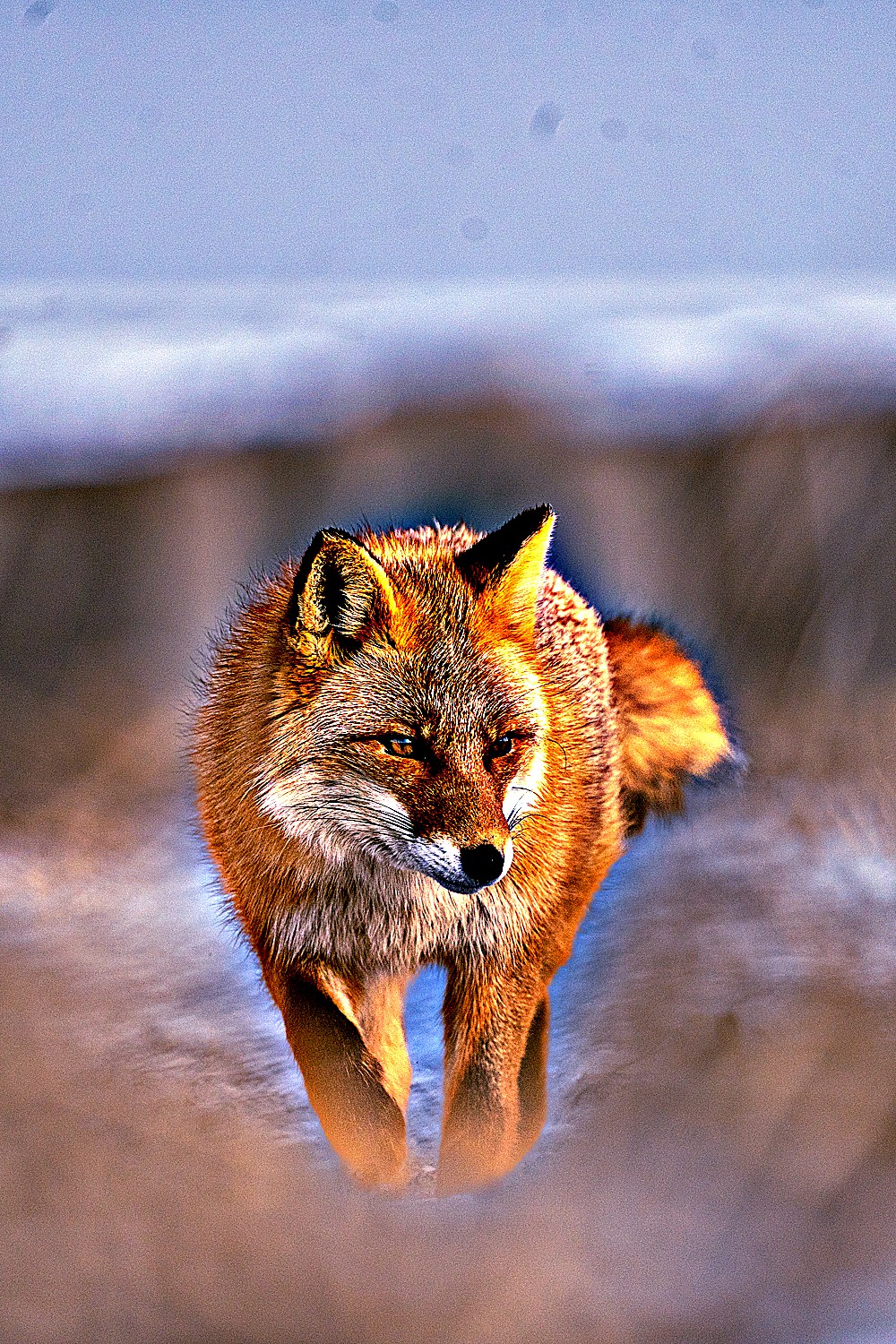
"The photograph was finished ten minutes ago. Everything since has been the edit talking over it."
Read the finish.
Tap each mark.
Stop one move earlier.
- Open a recent edit you were proud of and duplicate the virtual copy.
- On the copy, pull every global slider back toward zero by a third.
- Turn clarity and saturation down until nothing announces itself.
- Close the file. Tomorrow, open both — keep the one you'd hang on a wall.
If the quieter version still felt like the moment — the loud one was you, not the photograph.